Automate Your Hiring Process in 2026 for a Smoother Workweek


At the same time, candidates expect things to move faster than they used to. They want quick replies, clear updates, and a hiring process that feels organized. When communication slows down, strong applicants drift toward companies that respond sooner. That’s where automation steps in. It gives you a way to keep everything moving without adding more to your plate.
In this guide, we’ll walk through how hiring automation actually works, the parts most teams automate first, and the steps to build a workflow that saves time without losing the human connection. If you want a bigger picture of what job seekers care about today, the Society for Human Resource Management offers solid research on shifting expectations.
As we go, you’ll see practical examples of how small businesses use automation to stay organized and keep applicants moving forward in a steady, thoughtful way.

What Hiring Automation Actually Does and Why It Works
Hiring automation gives you a reliable way to handle the parts of hiring that tend to eat up the most time. Think of it as a system that handles the routine steps so you can focus on the moments that actually require human judgment. Instead of juggling email threads, spreadsheets, and calendar invites, everything lives in one place and moves through a clear flow.
At its core, automation keeps your process consistent. Every applicant gets the same fair shot, the same timely updates, and the same structured path from the moment they apply through employee onboarding.
Here’s what hiring automation usually helps with:
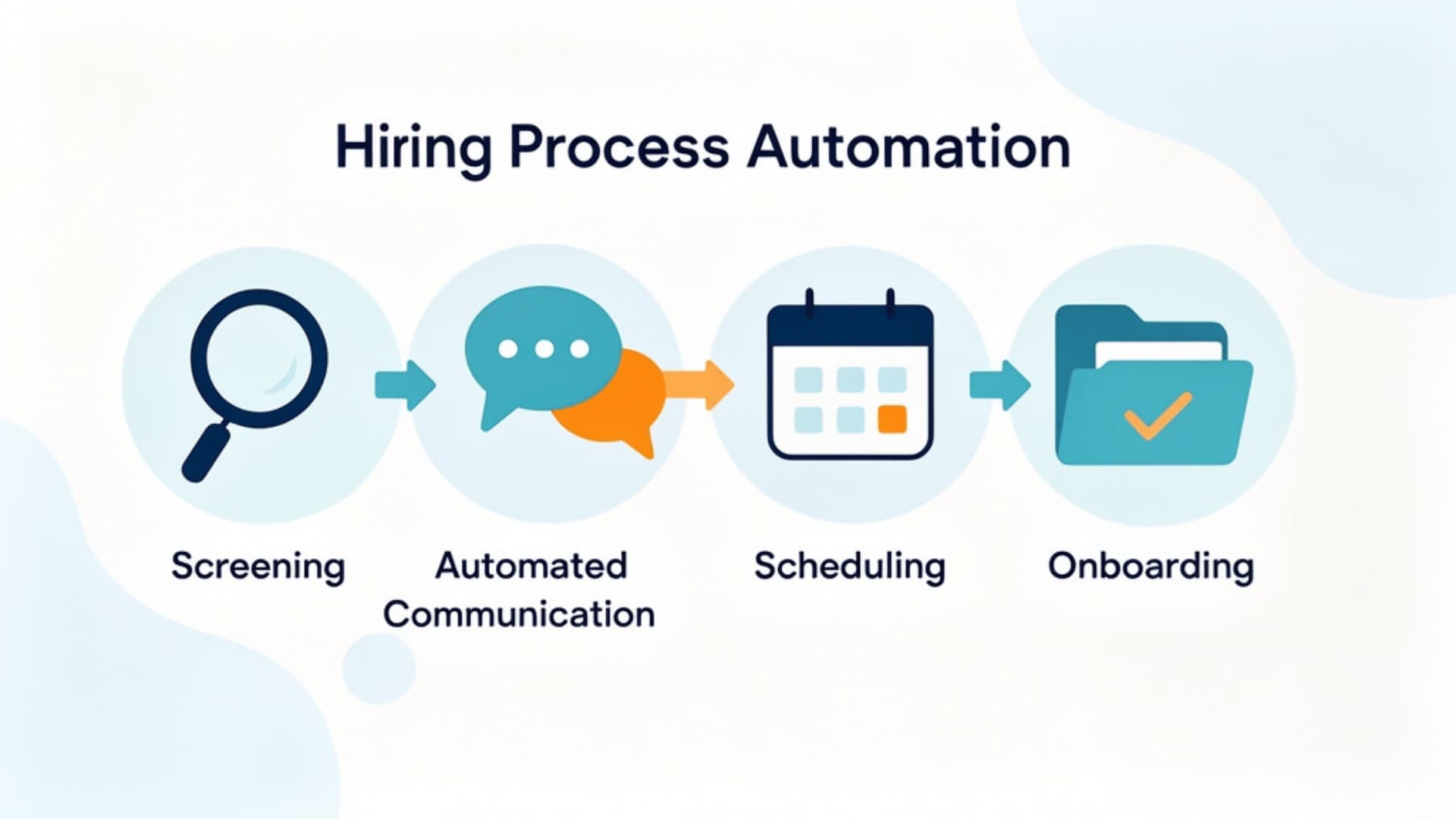
- Initial screening based on skills or required fields. You’ve probably had days when 10 resumes arrive, and only 2 are actually relevant. Automation filters out unqualified applicants, so you can spend your time on candidates who deserve a closer look.
- Automated communication, like confirmations and follow-ups. This keeps applicants in the loop without you having to dig through your inbox or worry about leaving anyone out.
- Application tracking inside a shared pipeline. Every move is logged, making handoffs smoother and helping your whole team stay on the same page.
- Scheduling workflows tied to your calendar so applicants can choose a time without a lengthy back-and-forth.
- Document collection and onboarding tasks that send out forms, gather what you need, and store everything neatly.
The Real Benefits: What Businesses Notice First
When teams start using automation, they might be thinking about saving time. But once things are running, you begin to see the ripple effects across your whole workflow. When the repetitive tasks take care of themselves, you get more space to focus on honest conversations, thoughtful evaluations, and the kind of decisions you can't rush.
Some improvements show up almost immediately. Studies from the Harvard Business Review point out that cleaner, more predictable processes often lead to stronger overall performance. You’ve probably seen this in other parts of your business. When steps are clearer, everything feels lighter and easier to manage.
Here’s what teams usually notice first:
- Faster hiring cycles because screening and follow-ups happen automatically, reducing wait time between steps.
- More qualified applicants are rising to the top because early filters remove most unqualified candidates from your workflow.
- Better internal coordination, especially when everyone can check one shared view instead of digging through old threads.
- More predictable workflows, which make hiring feel less like a scramble and more like a steady routine.
- A smoother candidate experience because updates arrive on time and nobody feels forgotten.
These wins are only the start. Over time, automation ties naturally into other parts of your work. It supports reporting because every action is logged, making it easier to see where bottlenecks occur.
Here is a quick look at the main benefits:

A Story From the Field: How One Small Business Streamlined Everything
Here’s a real-world example that might feel familiar.
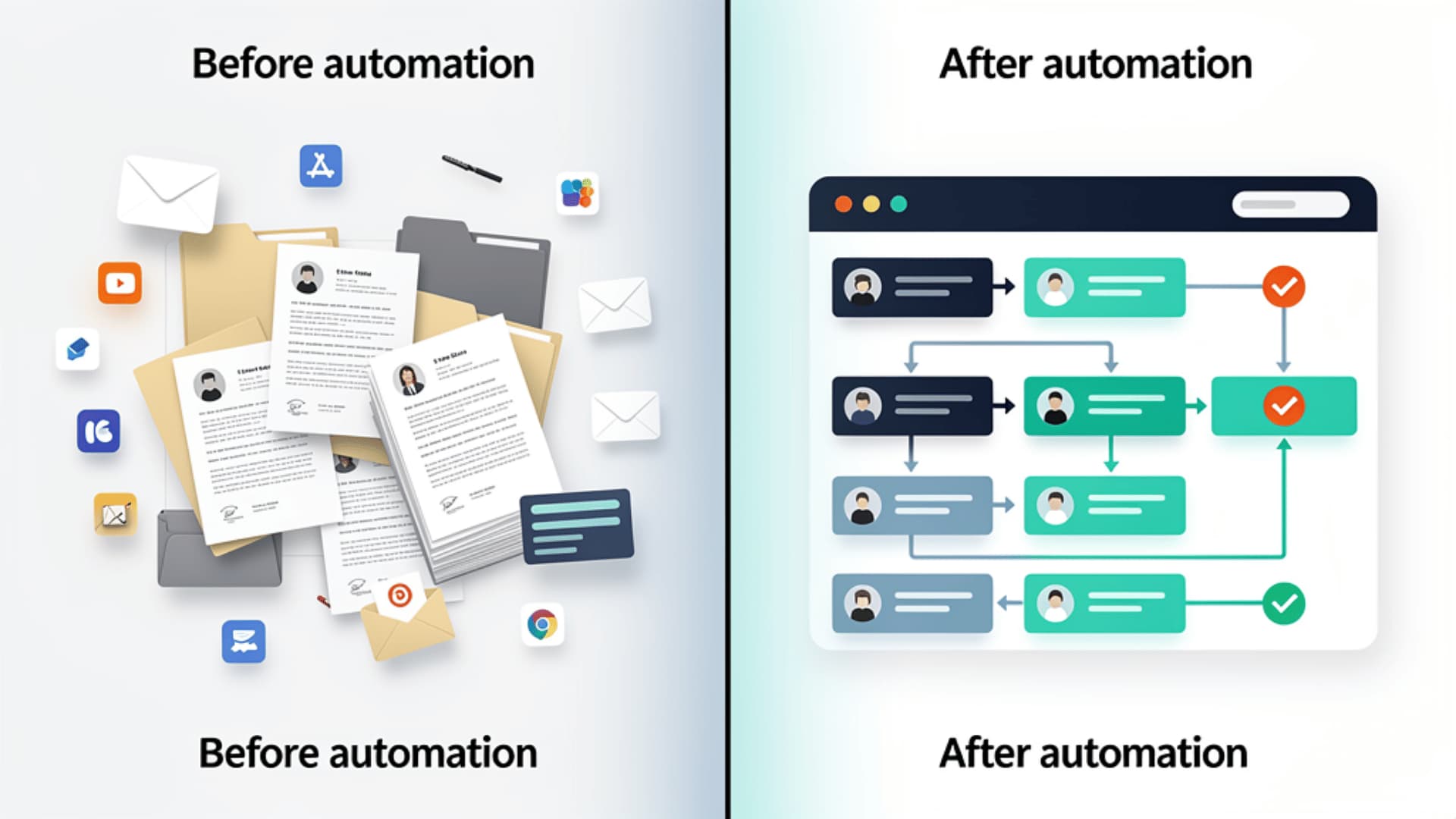
- A residential cleaning company was juggling applications coming in from everywhere. Email. Paper forms. Calls. Nothing lived in one place.
- They switched to an online form that fed directly into their automated workflow.
- When someone applied, the system did the first pass. Strong candidates moved forward automatically.
- Every applicant got a quick message explaining the following steps, so no one was left wondering.
- Once someone was hired, the system sent their onboarding documents and stored everything neatly, with no extra effort.
This shift, which lines up with patterns highlighted in Indeed insights on candidate behavior, shows how much smoother hiring becomes when communication is clear and consistent.
In the end, the team:
- Stopped losing track of applicants
- Saw more people follow through on interviews
- Saved hours each week
What Features Support Hiring Automation
Most systems come with a familiar set of tools, but the real magic happens when those tools work together in a way that feels natural. When hiring automation connects with your existing CRM data, your usual email marketing rhythms, or the reporting habits your team already relies on, everything flows more smoothly. You’re not reinventing your process. You’re simply giving it structure and making sure nothing slips through the cracks.
Here are the core features you’ll see in most automated hiring setups:
- Applicant forms that collect information in a clean, consistent way. These usually feed directly into your CRM, keeping everything organized and easy to find.
- Screening rules that filter candidates based on the criteria you care about. Think of these as early checkpoints that save you from reading through applications that were never a fit.
- Automated communication through email or SMS. These messages work a lot like simple email marketing sequences, giving applicants quick confirmations and next steps without you having to hover over your inbox.
- Scheduling tools synced to your calendar. Instead of juggling availability, candidates can pick a time that works for them.
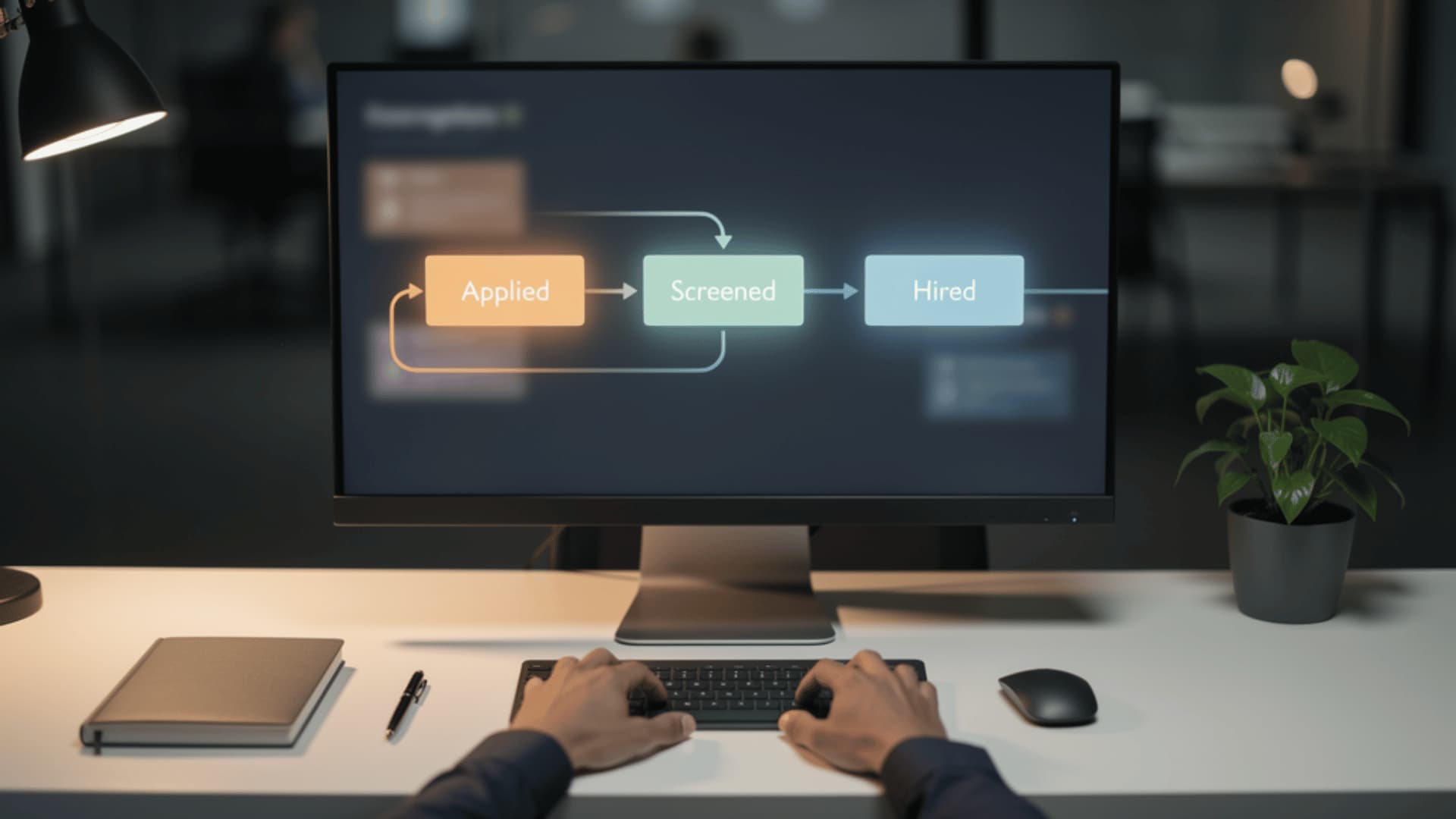
- Pipeline tracking that shows every stage of the hiring journey in one view. It works much like a sales pipeline or the project boards you may already use to stay organized.
- Document automation for the onboarding phase. Forms, agreements, and required documents are automatically generated and stored, helping you find everything in one central location without unnecessary paperwork.
When these tools work together, you get a hiring process that feels steady and predictable rather than chaotic. And since every movement is logged automatically, you also get more transparent reporting, which makes it easier to spot delays, tighten steps, and improve the overall flow.

How to Build a Hiring Workflow Automation: Step-by-Step
Building a workflow gets a lot easier once you break it into simple, manageable steps. Think of this as creating a path you can return to every time you need to hire. When your CRM, communication tools, and project boards all work together, each step becomes clearer and more predictable. The goal is to build something that feels easy to follow and even easier to refine as you go.
- Map your current process to see every step from application to decision. This makes it easier to spot slow spots or moments that always require extra juggling.
- Choose the first tasks to automate, usually screening and early communication. Most teams start small, like sending automatic confirmations or reminders, then build from there.
- Create your applicant form, ensuring the questions help you quickly sort candidates. A well-structured form gives your screening rules a solid foundation.
- Set screening rules based on the role's must-haves. These early filters keep you from spending time on applications that were never a match.
- Write automated messages that sound warm and human. Think of these like the helpful emails you already send, just ready to go without you typing them each time.
- Design your hiring pipeline with simple, clear stages. Many teams follow a structure similar to a sales pipeline or a basic project board so everyone can see where candidates stand.
- Test your workflow by running a few sample applications through it. This helps you catch gaps before the real candidates start coming in.
- Refine weekly as actual candidates move through the process. Minor tweaks go a long way, and your workflow will get smoother over time.
As your system settles in, you can layer on extras like reporting or automated document handling. These small additions help you see patterns, improve your timing, and build a hiring process that grows stronger with each cycle.
Conclusion
Hiring automation can turn a process that usually feels scattered into something steadier and easier to manage. When the routine tasks run quietly in the background, you get time back, and that free time lets you focus on your qualified candidates, interviewing them, and making better hires.
If you’re trying to make hiring simpler or want fewer administrative loose ends to chase, start with one small workflow. See how it feels. Once you get that first piece in place, the rest becomes easier to build. Over time, you end up with a system that keeps everything moving without asking you to work longer hours or juggle more than you already do.