
CRM with Quoting Features for Faster Sales and Higher Conversions


Quoting touches a sensitive point in any sales process. When it goes smoothly, deals move forward faster. When it drags, even slightly, cool tends to cool off. Most of us have been in that situation where a quote sits in drafts a bit too long or pricing is scattered across old emails, and you can sense the moment slipping away. A customer relationship management platform (CRM) with quoting tools helps improve this process. It provides a single place to build quotes, send them, and keep conversations in a centralized location without extra steps.
In this guide, I'll walk you through how quoting works in a CRM and why it matters as your team grows. I'll provide practical examples, habits that help, and the parts of the process that usually cause friction. The goal is to give you a clearer picture of what quoting can feel like when it no longer slows you down.


How CRM Quoting Works
A CRM quoting workflow is meant to take pressure off your team. When a deal reaches the point where a quote is needed, you should be able to build it without starting from zero or switching across tools.
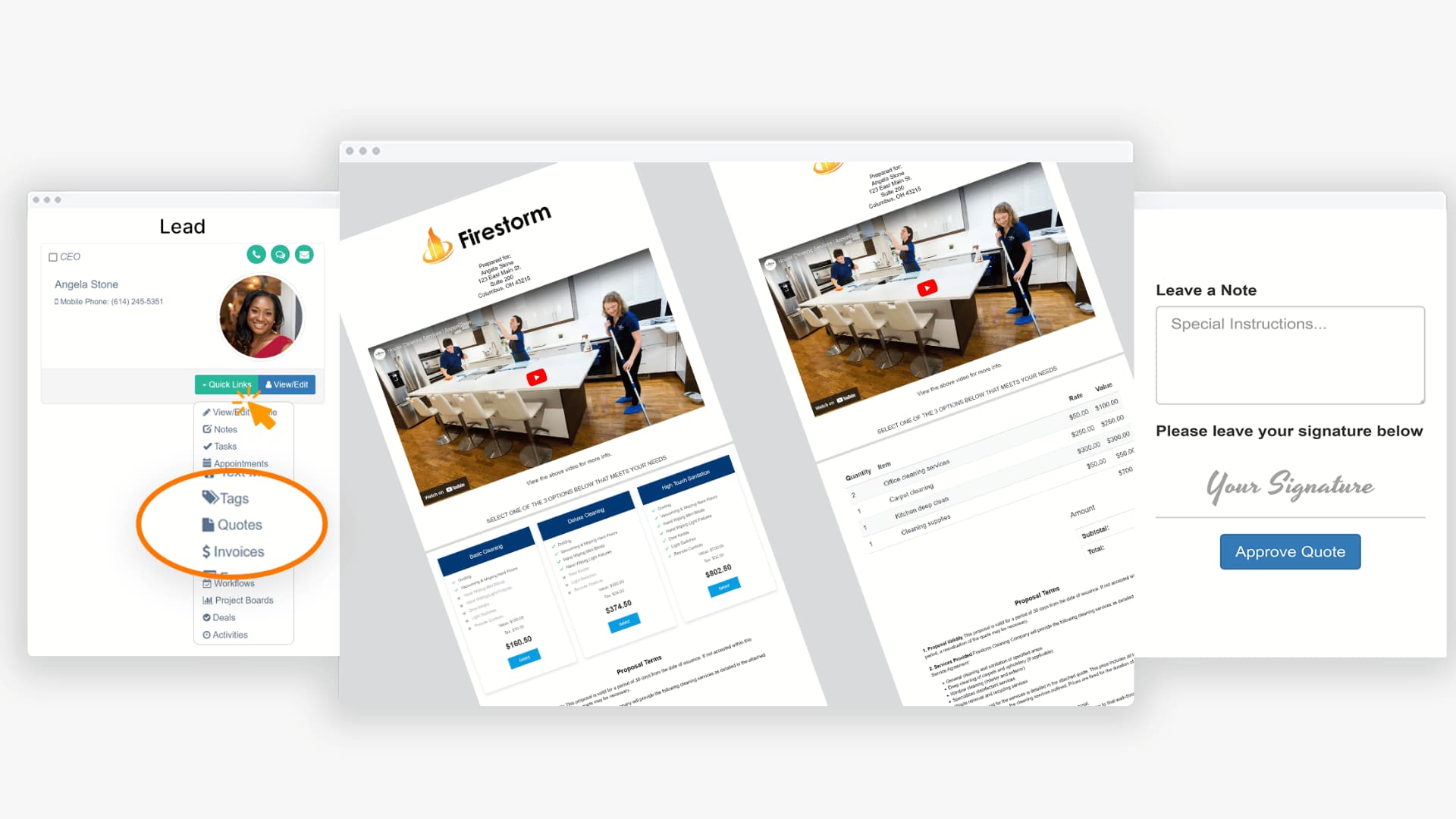
The CRM pulls from information you already have built into the system. You choose a template, adjust the details, and send the quote directly. You can also see when someone opens it, which helps you follow up at the right moment.
A good quoting system supports you with flexible templates, clear pricing, approval steps, and automatic reminders. Each quote stays attached to the contact record so your team knows what was sent and what still needs attention.
Pulse follows this approach. Everything is in one place, so you don't have to piece together details from multiple tools. You can explore how the quoting flow works on our Pulse Quotes page.
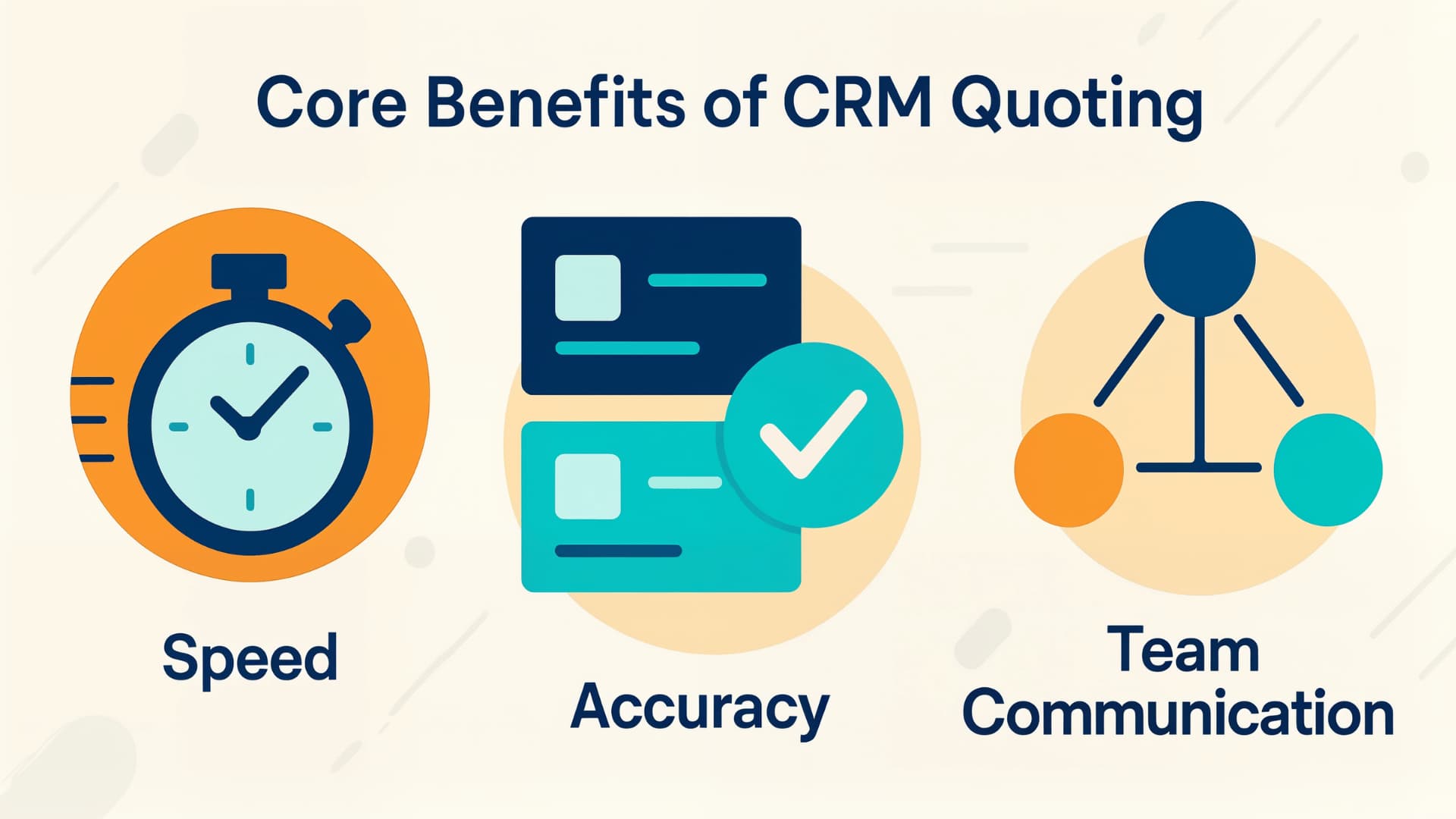
Core Benefits of CRM Quoting Features
When you look closely at how quoting usually works without a CRM, a common theme shows up. Slow steps creep in, making the process harder than it needs to be. A structured quoting system helps remove those delays and gives your team more time to stay in touch with leads who are about to close.
You move faster without cutting corners
Speed matters because prospects are most engaged right after a good conversation. Sending a quote promptly keeps the energy going.
- You pull the right details from one place.
- Templates shorten the time it takes to build each quote.
- You avoid hunting for old files and outdated versions.
Your quotes become more accurate and reliable
Pricing errors often happen when information is spread across too many tools. A single, trusted source reduces those mistakes.
- Pricing stays updated inside the CRM.
- Templates create consistency.
- Approval steps make it easy for the recipient to review and approve the quote.
Your team communicates better
When quoting lives in different inboxes or folders, miscommunication is almost guaranteed. Keeping everything in one place keeps everyone aligned.
- Reps hand off deals easily.
- Managers can see progress in real-time.
- Teams avoid repeating work.
Your customers feel more confident
A clear, accurate quote helps prospects understand your offer and feel confident about taking the next step. Quick responses also show your company has prompt communication and delivery.
Small improvements like this go a long way in shaping their experience.
How to Use Quoting Features to Close More Sales
Quoting tools ](https://thepulsespot.com/quotes)work best when they match the way you naturally guide prospects through a decision. When the quoting process supports your process, your deals tend to move with less friction. Here are a few practical ways to use quoting features to keep the sales process moving forward smoothly.
1. Use Templates to Save Time
Templates give you a reliable foundation so you do not have to start from scratch each time. They also help your team stay consistent, which matters when multiple people support the sales process. A well-built template saves you from rewriting descriptions, reformatting documents, or hunting for pricing details. Over time, that consistency builds familiarity for prospects, which can help them understand your offers more easily.
2. Automate Follow-Up
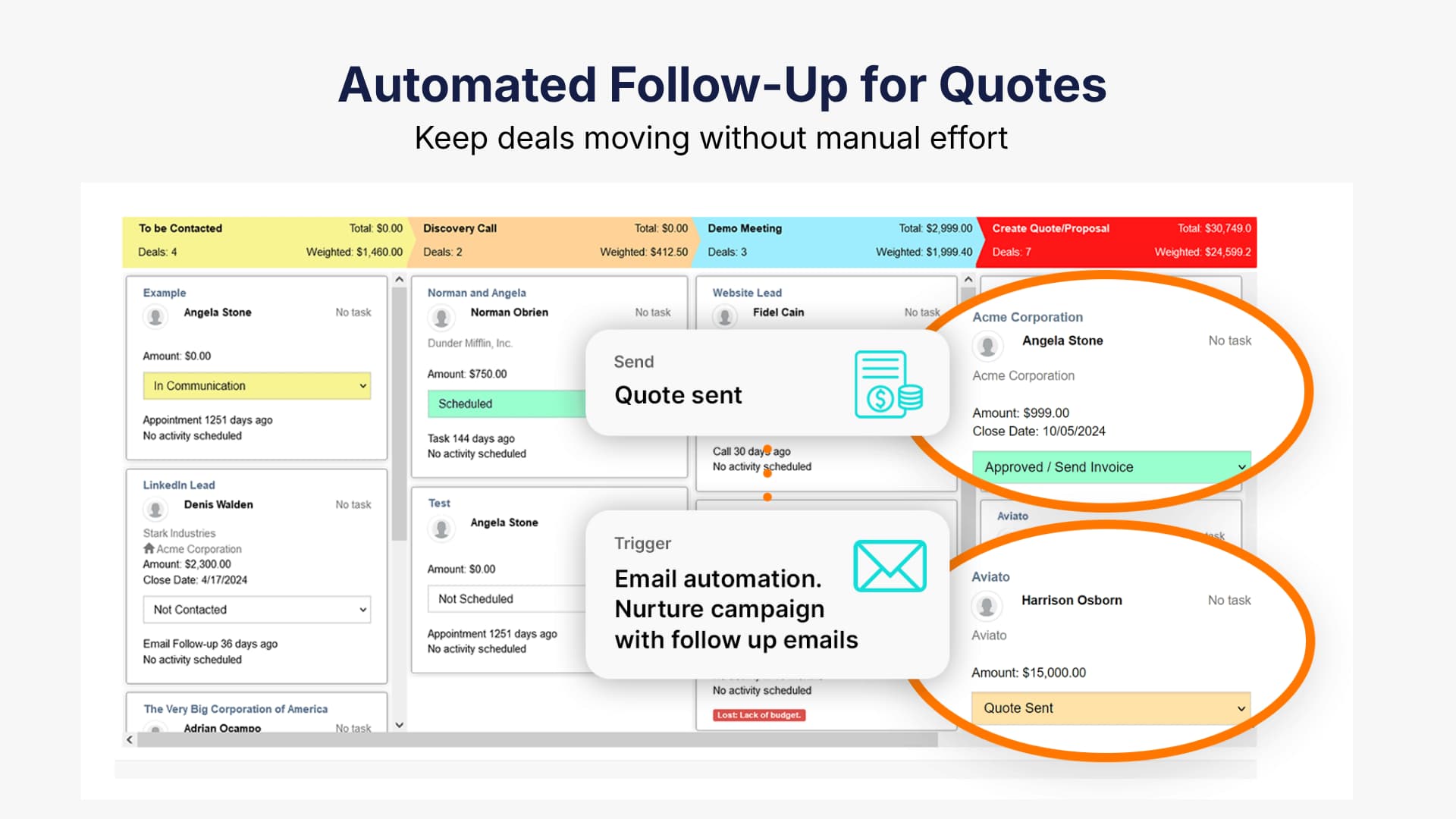
Follow-up tends to slip during busy days, and that is usually where deals go quiet. Automated reminders keep things moving without adding more to your plate. A simple reminder after a day or two can nudge a prospect who meant to reply but got pulled into something else. These small touches help you stay present in the conversation even when your schedule gets crowded.
3. Track Customer Engagement
Seeing when someone opened a quote tells you a lot about their level of interest. If a prospect views a quote multiple times, that is usually a sign they are thinking through details and may be close to a decision. On the other hand, if a quote has not been opened at all, you might choose a softer check-in to make sure they received it. Engagement helps guide your timing so your outreach feels natural rather than forced.
4. Personalize Your Communication
A CRM keeps your notes, questions, and details in one place, which makes personalization much easier. When you reference a specific point from your earlier conversation or tailor the quote to their exact needs, prospects feel understood. It shows you listened and aren't using a generic follow-up template. Even a small adjustment in wording can make the message feel more relevant.
Benefits of Automated Follow-Up for Quotes
Automation can help you avoid the quiet gaps where deals lose momentum. It supports consistent timing, which is where many teams struggle.
Automatic reminders can go to your team or your prospects, depending on what you set up. Some systems offer flexible timing so you can match your usual communication style.
Pulse’s Marketing Automation tools can support this and much more. Automation simply helps you keep conversations active without relying on memory.
Tips for Getting the Most Value from CRM Quoting
Good quoting habits make the entire process smoother. Here are a few that tend to help:
Create Detailed Templates:
Templates should be helpful, not restrictive.
- Use clear explanations you would use in a real conversation.
- Include pricing and options so the team doesn't have to search.
- Keep formatting simple and easy to skim.
- Review templates regularly to keep them up to date.
Use Pricing Lists:
Storing pricing in one place provides a single source of truth for everyone.
- Update the list as soon as numbers change.
- Create separate lists for different services if needed.
- Teach your team how to confidently choose items.
Monitor Activity:
Engagement gives you insight you can act on.
- Note which quotes are opened and revisited.
- Look for timing patterns.
- Watch for quotes that stall.
- Use the information to guide follow-ups.
Train Your Team:
Comfort with the tools leads to better adoption.
- Practice building and adjusting quotes.
- Talk through common situations.
- Encourage questions.
- Reinforce consistent habits.
Automating Your Quoting Workflow
Automation helps your team stay consistent during busy stretches. Instead of juggling reminders, you build workflows that handle routine steps.
A Pulse client in the consulting space shared that their team used to spend hours each week manually tracking follow-ups. Simple automations helped them streamline this process and close deals more efficiently.
When a quote is viewed, the activity is tracked on the deal level in your sales pipeline. When a deal sits in a stage for too long, the system notifies you. You respond to real activity and stay in sync with your leads.
Using CRM Quoting for Forecasting
When each quote is stored in your CRM, forecasting becomes less of a guess. You get a clearer view of which deals have momentum and which need attention.
You can review deal value, probability, and timing, which gives you a steadier foundation for planning. Your team can shift focus where it matters and avoid being caught off guard.
Pipeline Visibility
Quotes help you see how deals progress.
- You spot where deals slow down.
- You notice which services move quickly.
- You see which opportunities need attention.
Revenue Predictions
Consistent quoting leads to more reliable forecasting.
- Estimate revenue based on active quotes.
- Sort by probability for realistic outlooks.
- Plan resourcing with fewer surprises.
Forecasting becomes a regular part of how you guide the team.
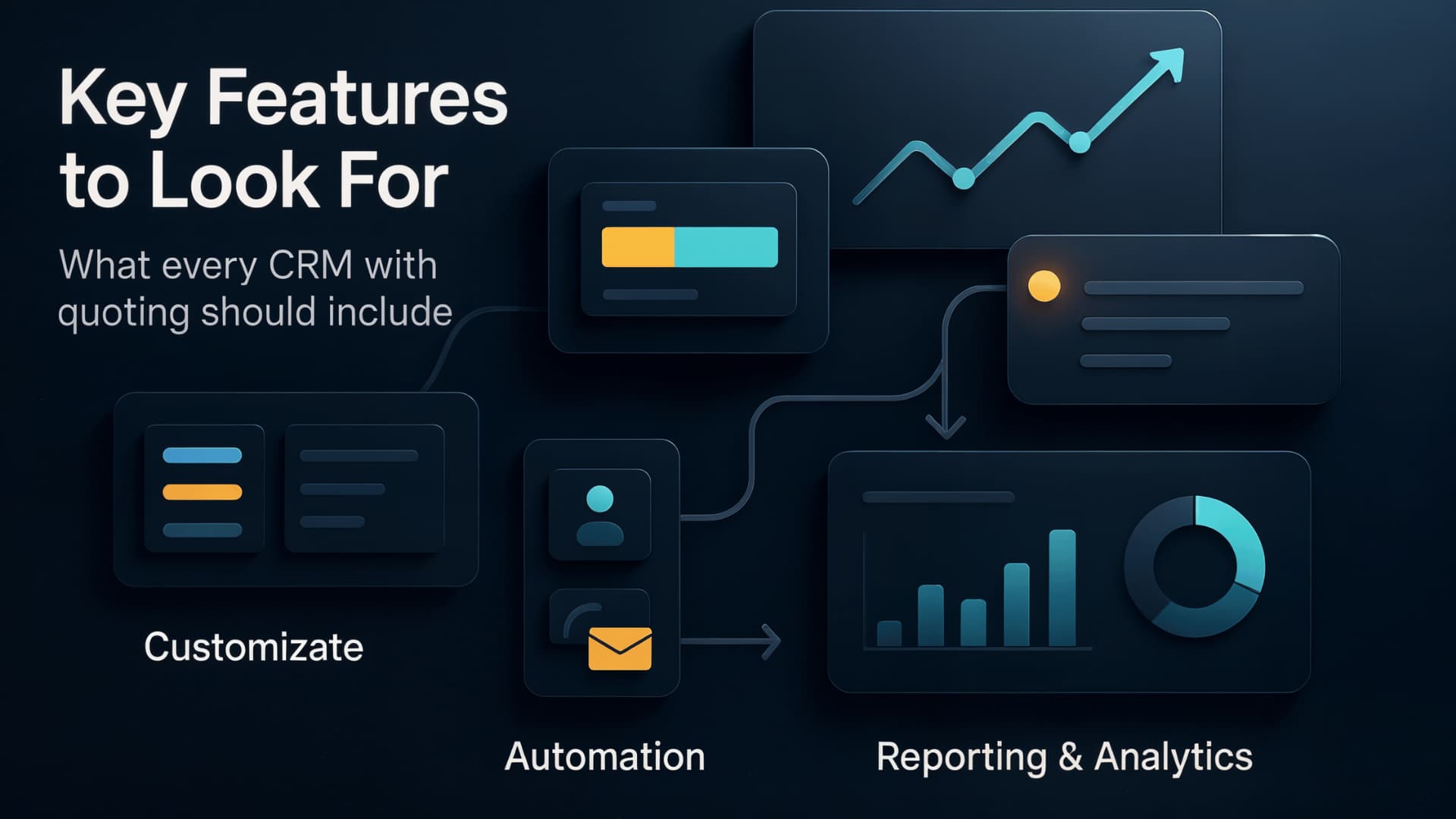
Key Features to Look for in a CRM with Quoting
When you compare CRMs, focus on the features that make quoting easier for your team.
- Customizable Templates: Templates should be easy to update and match your tone.
- Automated Follow Up: Helpful for keeping conversations active when things get busy.
- Customer Tracking: Lets you see when someone opens or revisits a quote.
- Itemized or Tiered Quotes: Supports both line item breakdowns and good, better, best style quotes so you can present options without overwhelming prospects.
- Reporting Tools: Helps you understand performance trends across services and reps.
Comparison of Pulse CRM vs Other Quoting Tools
